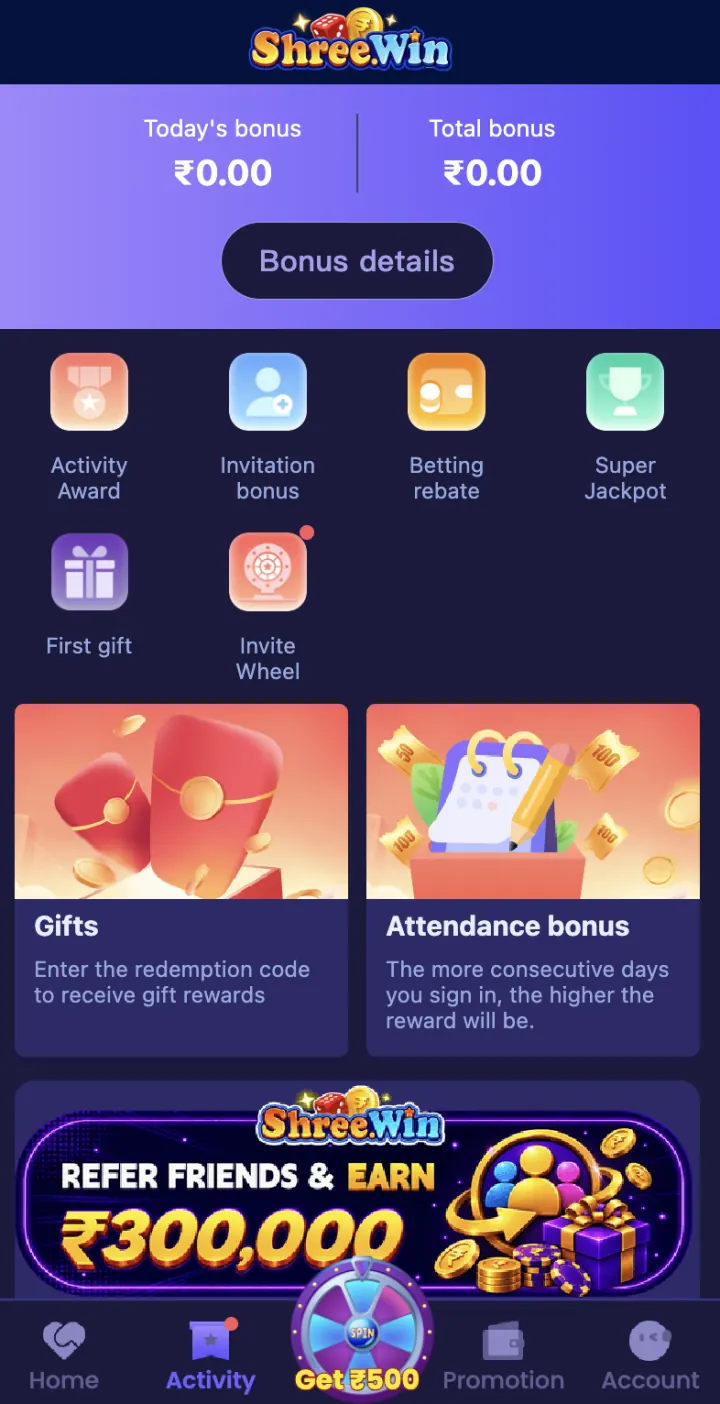
What is a ShreeWin gift code?
A gift code is a combination of letters or numbers that may connect an eligible account with a reward or promotion. A ShreeWin invitation code is different because it is normally entered during registration, while a gift code is entered after login.
A code can have an expiry date, one-time limit, account requirement or claim period. A code displayed in an old post may no longer work.
Where to enter the code
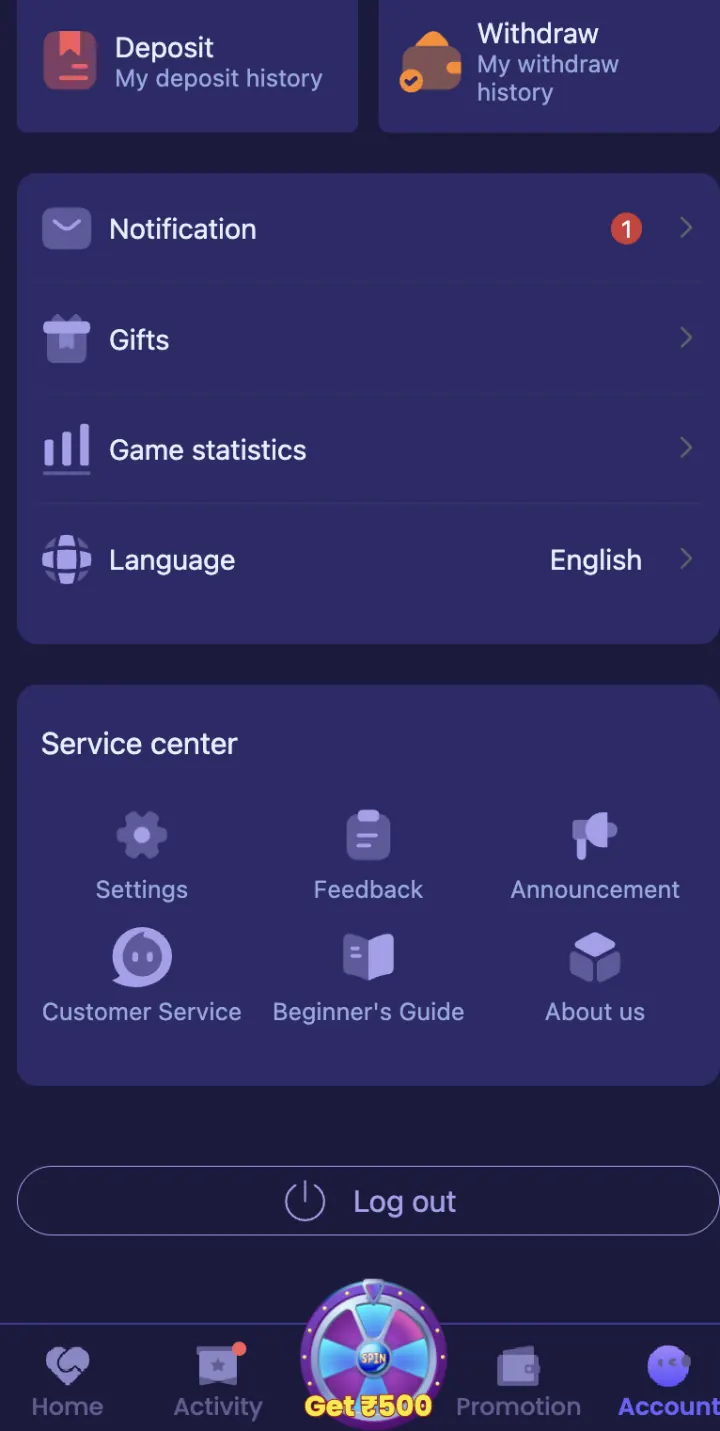
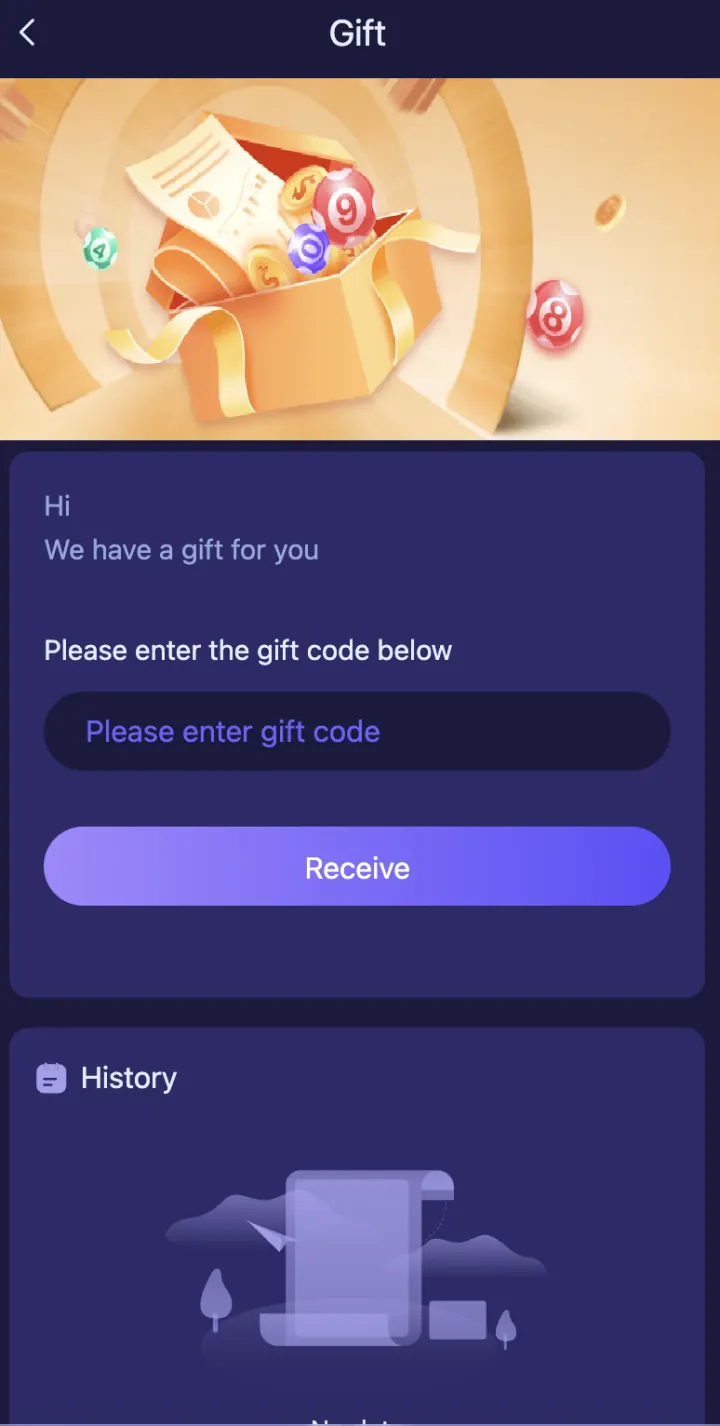
Login and open Account or Settings. Look for Gift Code, Redeem Code or a similarly named option. Enter the code exactly, without adding spaces before or after it.
Check every character before tapping Confirm. Do not enter your account password, OTP or payment PIN in a gift-code field.
- Login to ShreeWin
- Open Account or Settings
- Tap Gift Code or Redeem Code
- Enter the active code
- Check the spelling
- Tap Confirm
Check eligibility and promotion rules
Open the offer details and check who can claim the code, when it expires and whether it is limited to one account or device. Also check whether a deposit, activity or turnover condition applies before a reward can be used or withdrawn.
Do not assume every account receives the same reward. The claim screen and Promotion section are the correct places to check the current condition.
Invalid, expired or already-used code
An error can appear because of a typing mistake, expired campaign, account ineligibility or one-time code already used. Copy the code again and remove hidden spaces before retrying once.
If the message continues, save the code, date, time and screenshot. Contact Customer Support through Settings and ask whether the campaign is active for your account.
Avoid fake gift-code offers
Do not pay an unknown person for a guaranteed code. Never install an APK, share an OTP or give remote access only to unlock a reward. A genuine claim should not require your UPI PIN, bank PIN or password in a chat.
Use codes from a source you recognise and read the current offer rules. ShreeWinAPK.net does not collect codes or apply rewards to an account.
Gift code, invite code and promotion
A gift code is normally redeemed after login. An invite code is connected during registration. A promotion is the wider offer that explains eligibility, claim steps and any turnover or withdrawal conditions.
Use the separate registration and promotion guides when your question is about an invitation field or first-deposit offer rather than Gift Code in Settings.
Explore these ShreeWin sections
Tap any preview image to view the complete ShreeWin page and its available options.