What is the ShreeWin APK?
An APK is an Android app package used to install an app on an Android phone. People search for ShreeWin APK when they want to install the Android app or check its features first.
This page explains the app; it does not host an APK file. Use Android installation steps above for the download and setup walkthrough. The external Visit Shree Win button opens the account page, not a direct APK download.
What the ShreeWin app includes
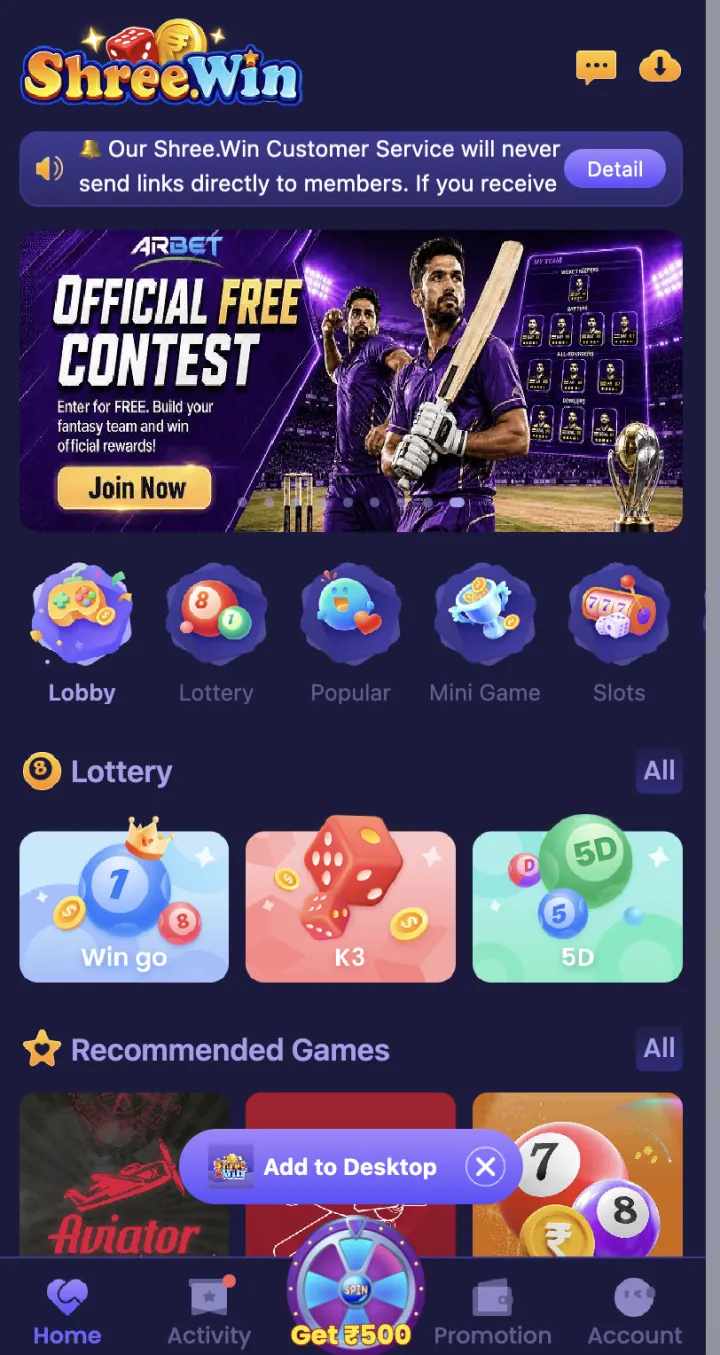
The ShreeWin homepage includes Lobby, Lottery, Popular, Mini Game, Slots and Casino categories. WinGo, K3 and 5D are available under Lottery, while Aviator appears in Recommended Games. You can also access TRX WinGo and MotoRace.
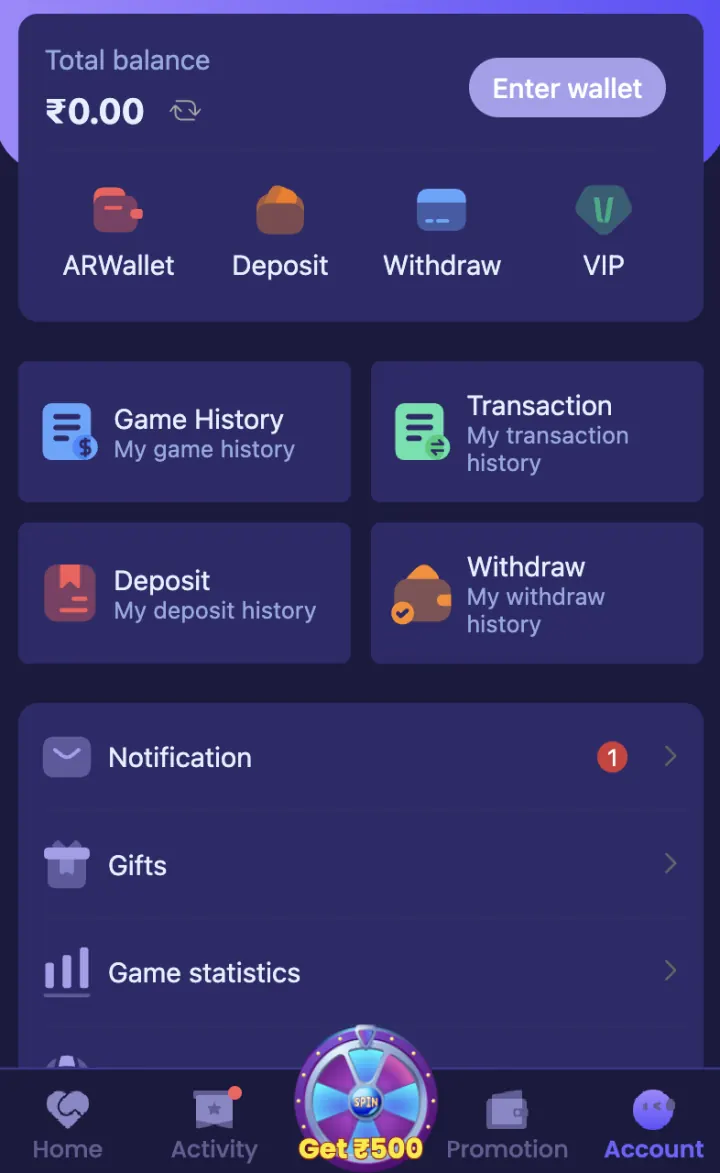
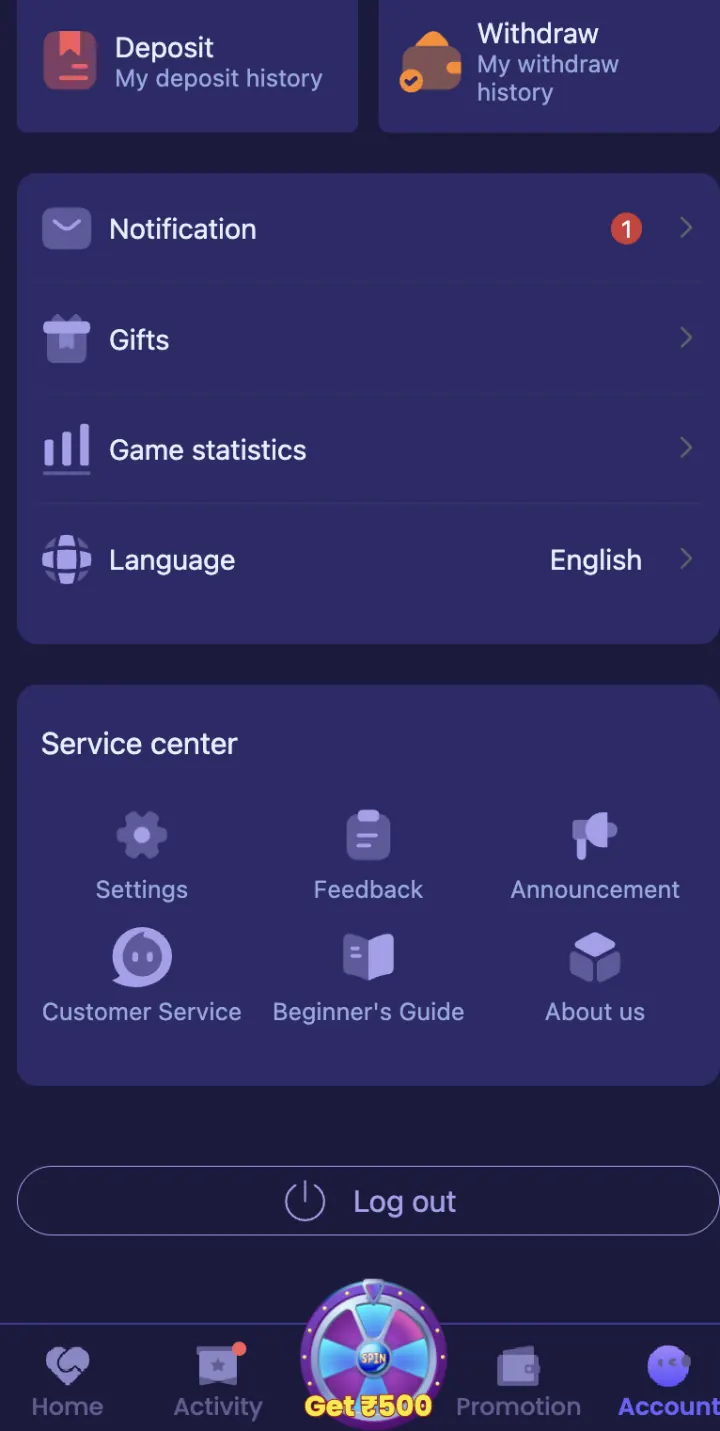
Use the bottom menu to open Home, Activity, Promotion or Account. Login and Register are available from the account area.
- Lobby and category navigation
- Lottery, Popular, Mini Game, Slots and Casino
- WinGo, K3, 5D and Aviator
- TRX WinGo and MotoRace
- Home, Activity, Promotion and Account menu
- Phone or email account access
Mobile web access and the Android app
ShreeWin can be opened from a mobile browser, while the APK installs the app on an Android phone. Browser access does not need an installation file. The APK creates an app icon and may ask for Android permissions during setup.
Use the option that fits your phone. If you only want to review the account page or available categories, mobile web access may be enough. If you install the APK, keep the original download page saved so you can return for a future update.
Details to check before installation
Check the app name, download website, version, file size and permissions before you install it. Android may show a warning when you install an app from a browser. Read that warning before you continue.
Match the version and file size with the details shown on the download page. If a checksum is available, use it to check that the downloaded file has not been changed.
- App name and logo
- Version and release date
- File size
- Download website
- App permissions
Account and phone safety
Check the app name before installation. Cancel the process if it asks you to switch off phone security, install another unknown app or allow a permission that the app does not need.
Never share your password, OTP, UPI PIN, bank PIN or withdrawal password. Enter account details only on the ShreeWin login page opened through the Login button.
Explore these ShreeWin sections
Tap any preview image to view the complete ShreeWin page and its available options.