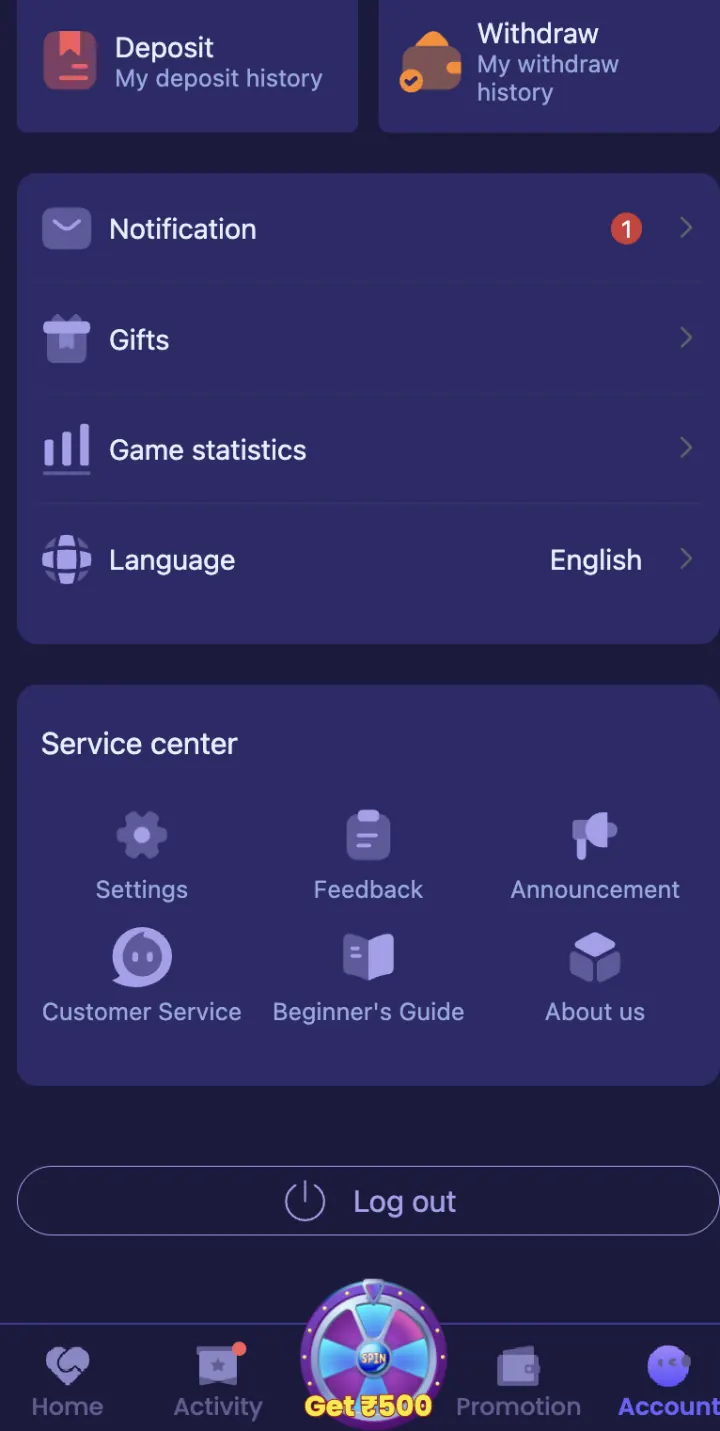
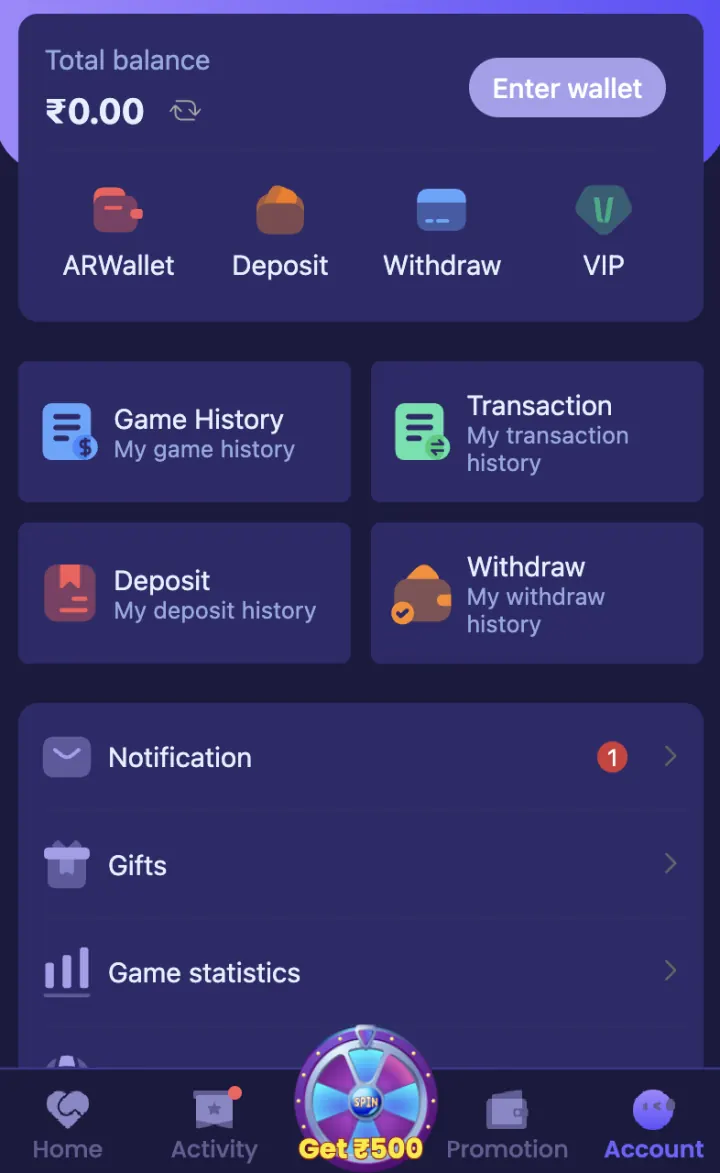
Open Account and Settings
Use the bottom navigation to open Account. This area includes Wallet, Deposit, Withdraw, VIP, Game History, Transaction, Deposit History, Withdraw History, Notification, Gifts and Game Statistics.
Scroll down for Language and the Service Centre. Service Centre includes Settings, Feedback, Announcement, Customer Service, Beginner’s Guide and About Us.
Wallet and transaction history
Wallet contains available Deposit or Recharge and Withdrawal options. Open Transaction or History to check an order reference, status, amount and time.
Keep a record of deposits and withdrawals so you can check total activity rather than looking at one payment alone.
Bank account, UPI and USDT details
Open the receiving-account option from Wallet or Withdrawal. Enter the account-holder name, account number, IFSC code, UPI ID or USDT address only when that method is shown.
Check every character before saving. Never share a UPI PIN, bank PIN, OTP or wallet recovery phrase because these are not receiving-account details.
Gift Code and Promotion options
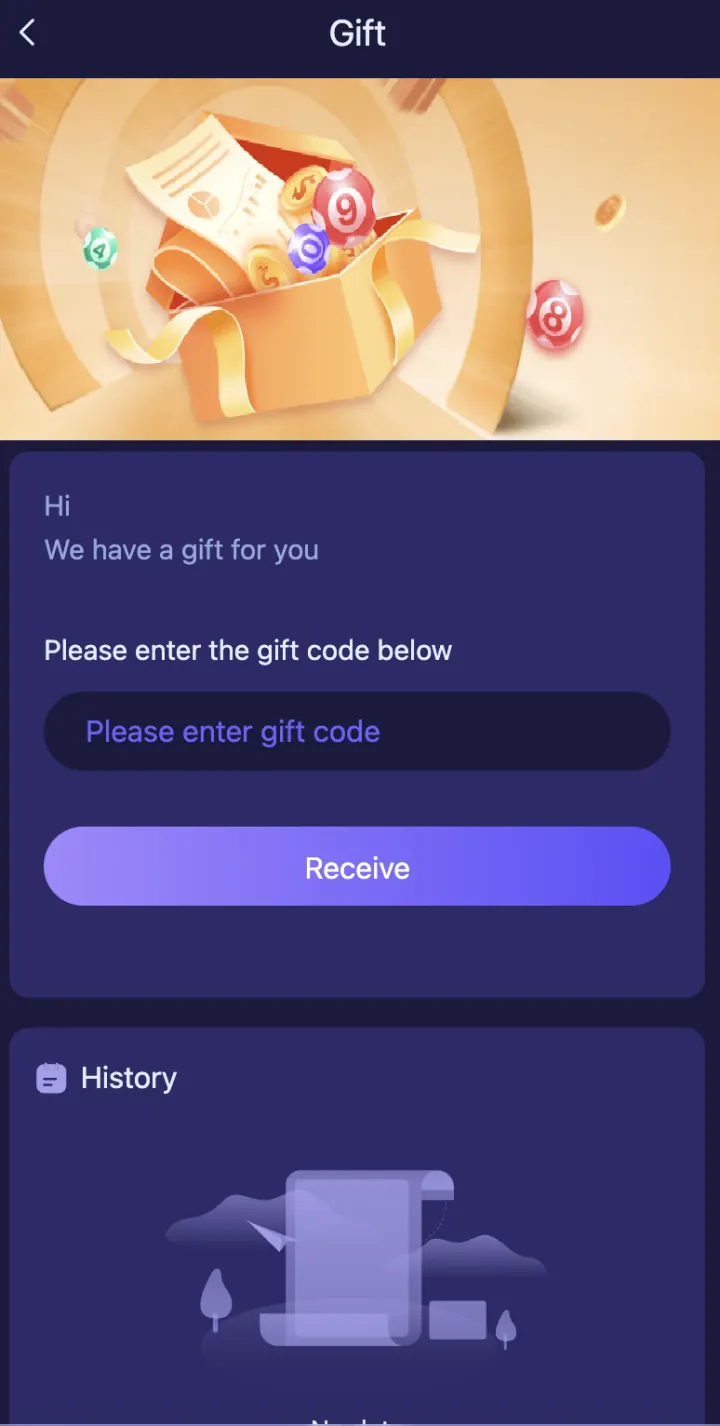
Open Gift Code or Redeem Code in Settings to enter an active code. Use Promotion or Activity to read eligibility, expiry, claim and turnover conditions.
An invitation code normally belongs to registration, while a Gift Code is entered after login. Use the focused guides when you need exact steps.
Password and account security
Use a unique password and change it through account security or Forgot Password. Remove saved login details from a shared phone and log out when finished.
Do not give remote access to someone offering account help. Support can check a transaction or error using its reference without your secret PIN.
Use Customer Support
Open Customer Support in Settings for login, wallet, payment or account-status issues. Send your user ID, issue type, time, amount and transaction reference when relevant.
Do not send your password, OTP, UPI PIN, bank PIN, card CVV or withdrawal password. Save the request reference until the issue is resolved.
Explore these ShreeWin sections
Tap any preview image to view the complete ShreeWin page and its available options.