Open Deposit from the ShreeWin Wallet
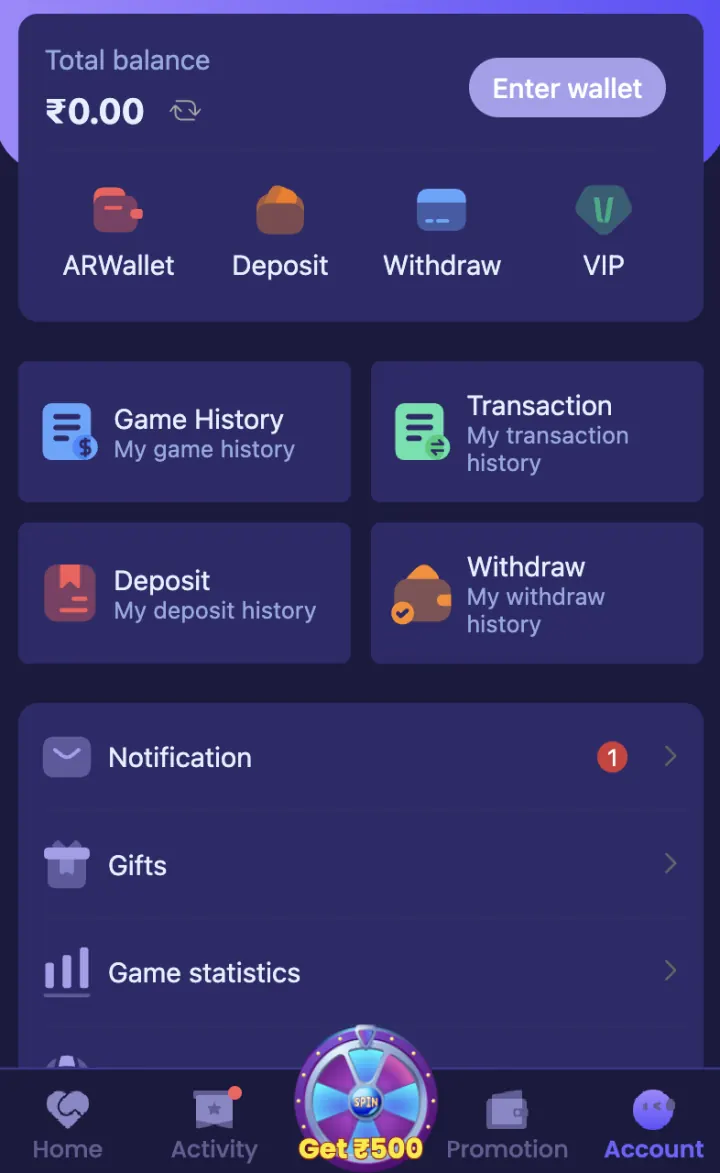
Login to your account and tap Wallet. Choose Deposit or Recharge from the available options. Do not use a payment request received through an unknown message because the correct payment flow should open from your own account.
Check the current payment instructions before entering an amount. A method visible to another user may not be available on your account at the same time.
- Open ShreeWin and login
- Tap Wallet
- Choose Deposit or Recharge
- Select a method displayed in your account
Choose an available payment method
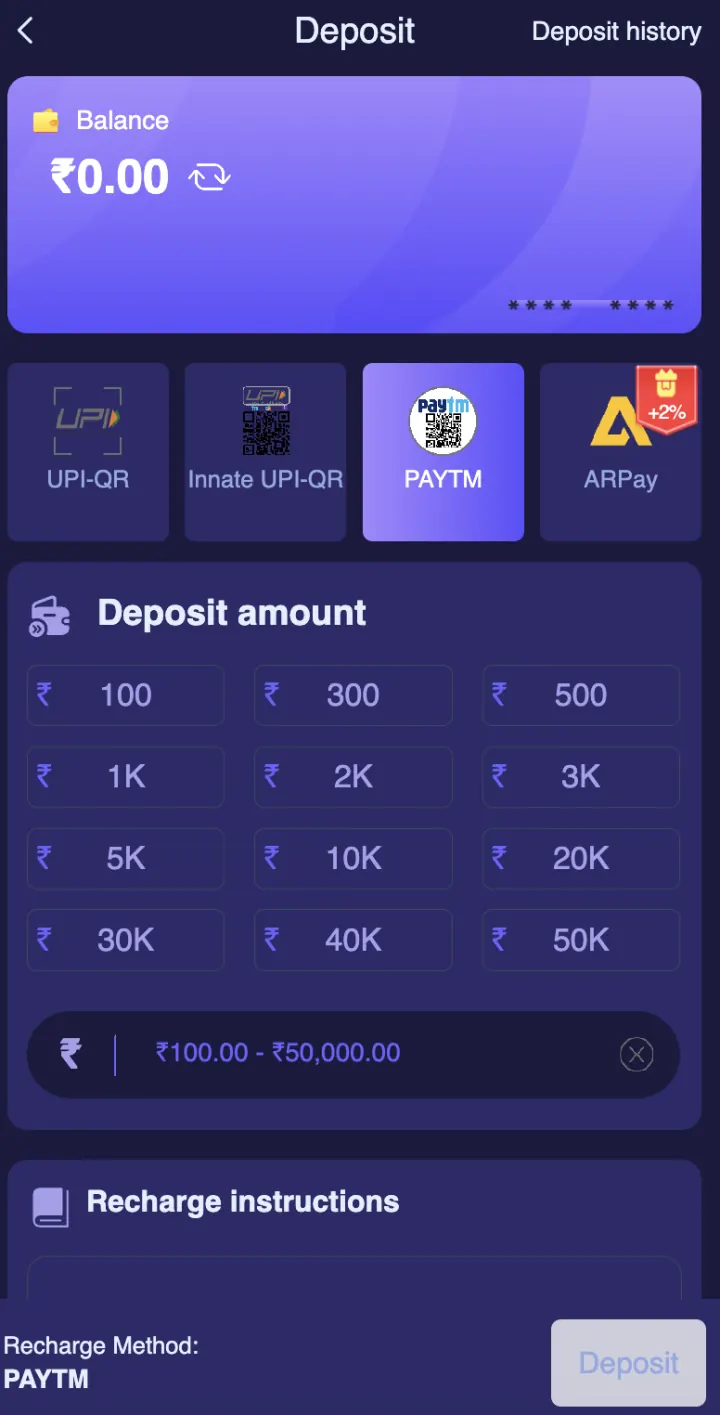
ShreeWin Deposit provides UPI-QR, Innate UPI-QR, Paytm and ARPay. Open your preferred method and read the receiving details for that transaction.
For UPI or QR payment, check the UPI ID or merchant name before approving the payment. Use only the payment method and receiving details displayed inside your own account.
Enter and confirm the deposit amount
Deposit provides preset and custom amounts from ₹100 to ₹50,000. Enter the amount in ShreeWin before opening your payment app, then match it on both screens.
Do not change the amount after the payment request is created unless the app asks you to create a new order. Also check whether a fee or promotion condition appears before you pay.
Save the UTR or transaction reference
After payment, save the UTR, transaction ID, date, time, amount and payment-method name. A screenshot can help, but the written transaction reference is more useful when support needs to trace a payment.
Open Wallet and check Transaction or Deposit History. Keep the reference until the balance appears and the deposit status is complete.
Funds debited but balance is not updated
First check the payment status in your bank, UPI or crypto wallet. Then open ShreeWin Transaction and check whether the deposit is pending, failed or complete. Avoid paying the same order again while it is pending.
If the balance remains unchanged, contact Customer Support from Settings. Send your user ID, amount, payment time, method and UTR or transaction hash. Never send your password, OTP, UPI PIN, bank PIN or remote-screen access.
Deposit safety checklist
Use only receiving details displayed inside your own ShreeWin account. Do not transfer funds to a personal payment ID shared by someone claiming to be an agent or support representative.
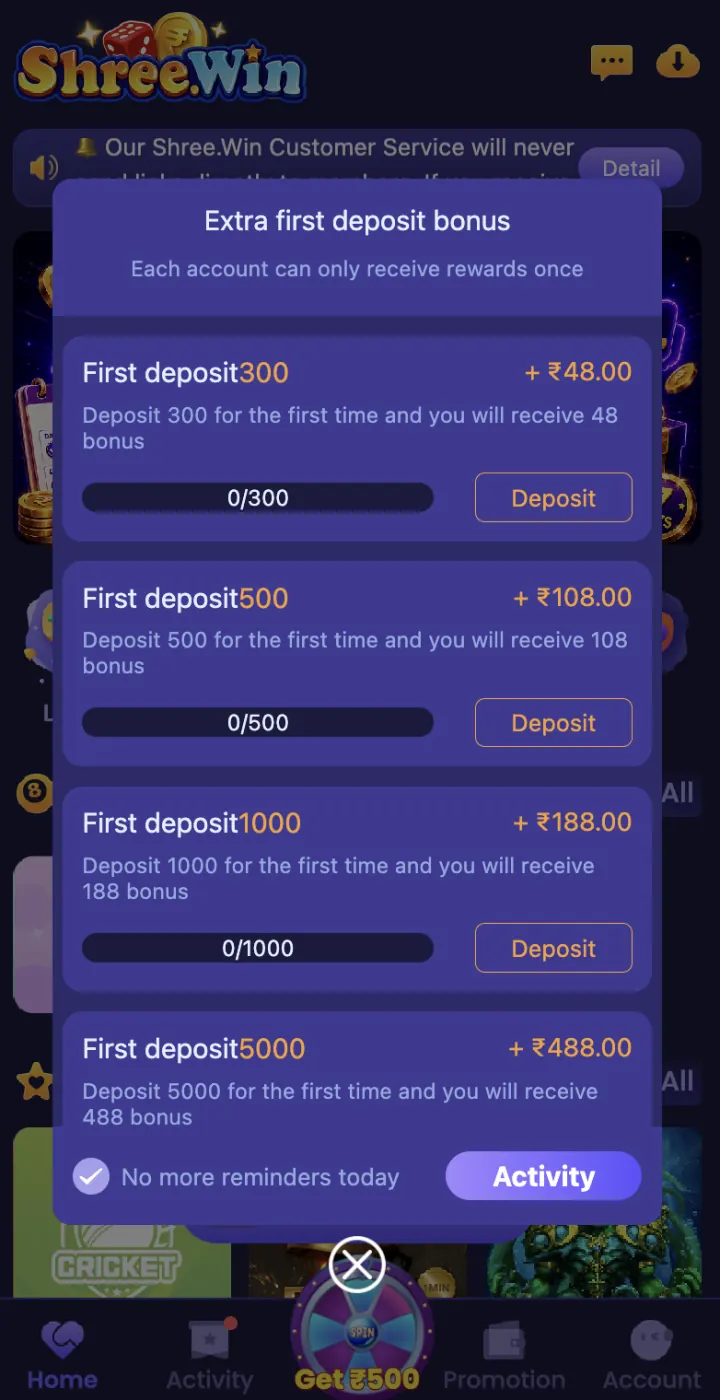
Set a spending limit before adding funds. Paid gaming can cause financial loss, so use only an amount you can afford to lose and never use borrowed or household funds.
- Check the receiving ID
- Match the amount
- Save the reference
- Never share a PIN or OTP
- Do not repeat a pending payment
- Use a spending limit
Explore these ShreeWin sections
Tap any preview image to view the complete ShreeWin page and its available options.